Choosing a projector screen size comes down to two measurements: how far you sit from the screen and how far your projector sits from it. Get those right and you'll have a picture that fills your view without feeling overwhelming.
It's tempting to fit the biggest screen your wall or ceiling allows. But a screen that's too big for your seating distance means turning your head to follow the action, while one that's too small loses the cinema feel. This guide walks you through finding the right size for your room, step by step.
Quick answer: For a typical living room viewing distance of 3–4m (10–13ft), most people are best suited to a screen of around 86"–95" diagonal. Use the chart below to check your own room, or try our calculator.
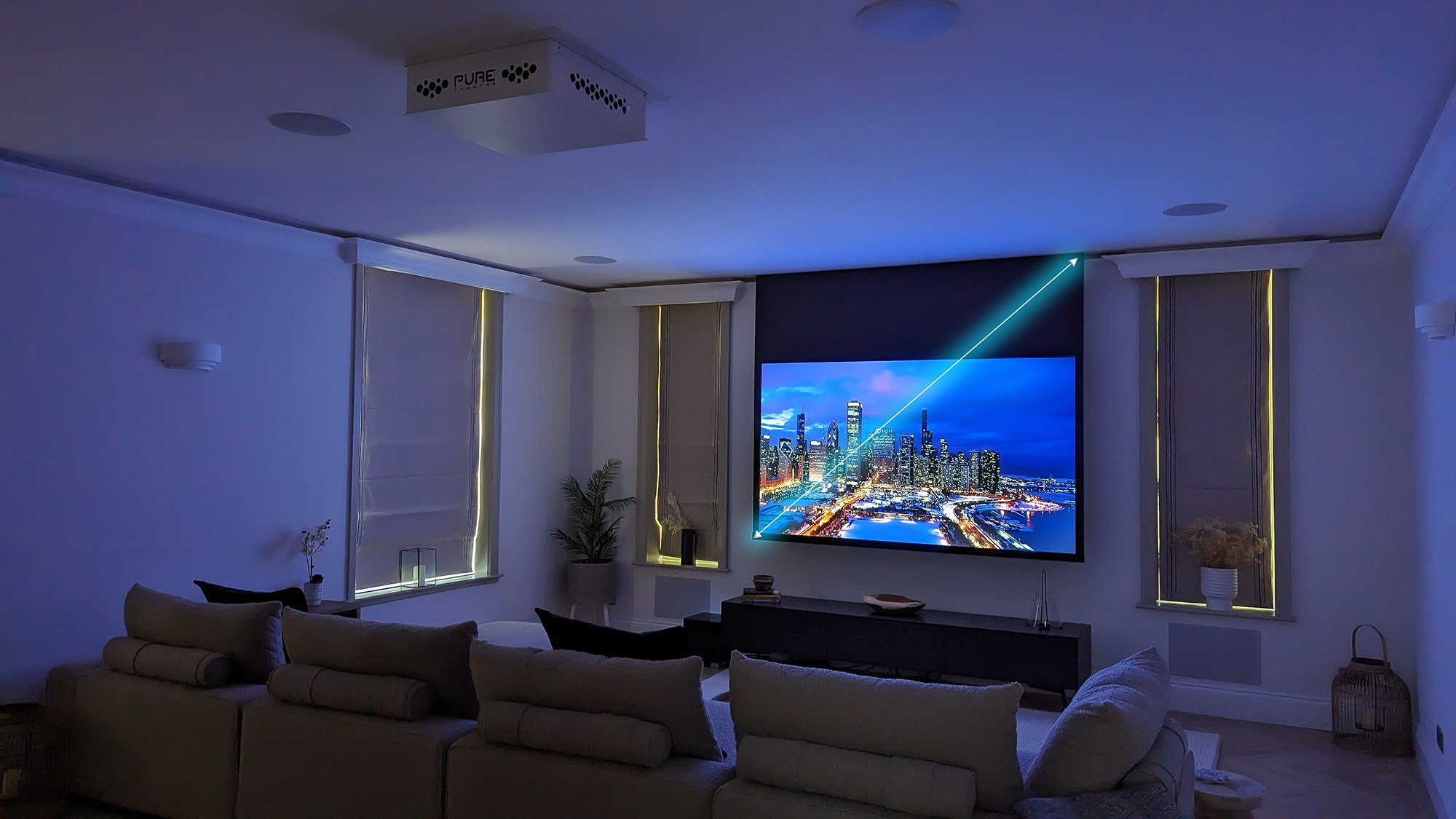
The Easiest Way to calculate screen size
Below we will talk you through the various considerations when choosing the correct projector screen for your room. But if you would like to make it simple you can use our projector screen size calculator.
Use our projector screen size calculator →
Step 1: Measure your viewing distance
Your viewing distance is the gap between your eyes when seated and where the screen will hang. It's the single most important number when choosing a screen size.
- Decide where the screen will go. For a ceiling recessed screen, this is the line in the ceiling where the screen drops down.
- Sit in your main seat. If you have more than one row of seating, use the centre seat of the main row.
- Measure from the back of the seat's headrest (roughly where your head sits) to the screen position.
Write the measurement down in metres or feet. You'll use it with the chart below.
Step 2: Find your size on the projector screen size chart
Find your viewing distance in the table below to see which screen size suits your room. The ranges overlap, so if your distance falls into two rows, choose the larger screen for a more immersive picture or the smaller one for more relaxed viewing.
← Scroll to see all columns →
| Screen Model | Format | Diagonal Size | Viewable Height | Viewable Width | Screen Height | Screen Width | Viewing Distance |
|---|---|---|---|---|---|---|---|
| CR160 | 16:9 | 68" | 84cm | 150cm | 200cm | 160cm | 2.4m - 3.2m |
| CR180 | 16:9 | 77" | 96cm | 170cm | 200cm | 180cm | 2.7m - 3.6m |
| CR200 | 16:9 | 86" | 107cm | 190cm | 200cm | 200cm | 3.0m - 4.0m |
| CR220 | 16:9 | 95" | 118cm | 210cm | 200cm | 220cm | 3.4m - 4.4m |
| CR240 | 16:9 | 104" | 129cm | 230cm | 200cm | 240cm | 3.6m - 4.8m |
| CR260 | 16:9 | 113" | 141cm | 250cm | 200cm | 260cm | 3.9m - 5.2m |
| CR280 | 16:9 | 122" | 152cm | 270cm | 200cm | 280cm | 4.2m - 5.6m |
| CR300 | 16:9 | 131" | 163cm | 290cm | 200cm | 300cm | 4.5m - 6.0m |
| 100" Acoustic | 16:9 | 100" | 125cm | 221cm | 127cm | 224cm | 2.7m - 5.0m |
| 120" Acoustic | 16:9 | 120" | 149cm | 266cm | 152cm | 268cm | 3.2m - 6.0m |
| 150" Acoustic | 16:9 | 150" | 187cm | 332cm | 189cm | 334cm | 4.0m - 7.3m |
| 100" ALR | 16:9 | 100" | 125cm | 221cm | 127cm | 224cm | 2.7m - 5.0m |
| 120" ALR | 16:9 | 120" | 149cm | 266cm | 152cm | 268cm | 3.2m - 6.0m |
The table shows 16:9 screens first. Use the format filter to see 21:9, 2.4:1 and 16:10 sizes, which have slightly different viewing distances. Need something outside these sizes? Our custom projector screens are made to order up to 300cm wide.
Prefer not to work it out by hand? Our screen size calculator does it for you. Enter your viewing distance and choose your screen type and format.
Step 3: Choose your screen format
The format (or aspect ratio) is the shape of the screen. It affects how much of the screen your picture fills, so choose it based on what you'll watch most.
← Scroll to see all columns →
| Format | Shape | Best For |
|---|---|---|
| 16:9 Widescreen | The same shape as a TV | TV, streaming, sport and gaming. Our most popular choice |
| 21:9 Ultra Widescreen | Wider and shorter | Films and ultrawide PC gaming |
| 2.4:1 Anamorphic | The widest, cinema shape | Dedicated cinema rooms, mostly watching films |
| 16:10 Commercial | Slightly taller than 16:9 | Boardrooms, presentations and laptop content |
If you're unsure, choose 16:9. Most TV, streaming and gaming content is made in 16:9, so it fills the whole screen. With a wider format, that content shows with black bars down each side.
For the same screen width, a wider format gives a shorter image. So if you have a low ceiling or limited wall height, a 21:9 or 2.4:1 screen can let you go wider without the picture dropping too low. Read more in our guide to screen formats.
Step 4: Check your projector's throw distance
Once you've chosen a screen size, check that your projector can fill it from where it will be mounted. This depends on the projector's throw ratio.
The throw ratio tells you how far back the projector needs to be for a given image width:
Throw distance = throw ratio × image width
For example, a projector with a throw ratio of 1.5 needs to be 3.0m (about 9'10") from the screen to fill a 2.0m wide image. The smaller the throw ratio, the closer the projector can sit to create the same size picture.
Most home cinema projectors have a zoom lens, so they list a throw ratio range, such as 1.4–2.8. This gives you a minimum and maximum distance for each screen size rather than one fixed spot. Check that your planned projector position falls within that range for the screen you've chosen.
Step 5: Check the screen height for your ceiling
The last check is height. The screen needs to fit between your ceiling and your furniture, with the picture at a comfortable height for seated viewing.
- Image position: for comfortable viewing, the centre of the picture should sit close to seated eye level or a little above. If the bottom of the image is hidden behind a sofa, sideboard or the heads of a front row, it's too low.
- Drop length: a motorised screen drops the picture down from the ceiling, as standard our ceiling recessed screens drop 200cm. For high ceilings we can add extra black borders at the top to ensure your screen drops to a comfortable height.
- Low ceilings: if height is tight, consider a smaller 16:9 screen or a wider 21:9 or 2.4:1 format, which gives a shorter image at the same width.
- Ceiling recessed screens: these need very little space. Our recessed screens fit in a ceiling void of just 12cm, so they can be fitted in most existing ceilings. See ways to hide a projector screen for more options.
- Windows and doors: a drop-down screen can hang in front of a window or patio doors when in use. Read can I place a projector screen in front of windows and doors?
Projector screen sizes by room
Every room is different, but these examples show where most people end up. Always check your own viewing distance against the chart.
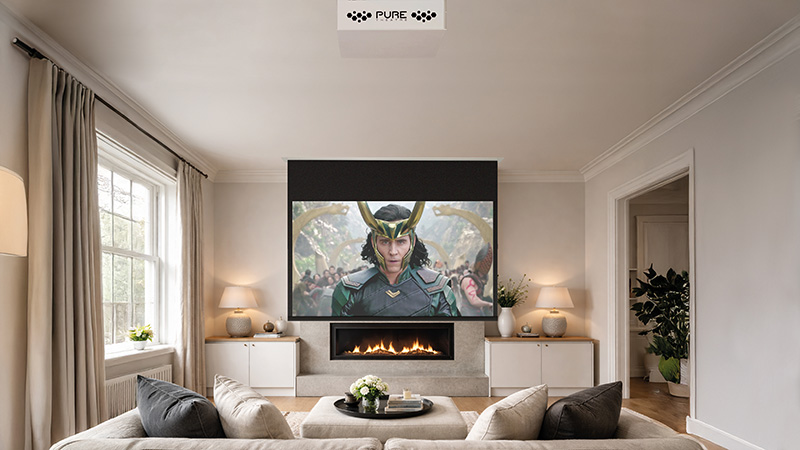
Living room. Seating is usually 3–4m (10–13ft) from the screen. A screen of 86"–104" suits most living rooms. A ceiling recessed screen is a popular choice here, because it disappears into the ceiling when the TV is all you need.
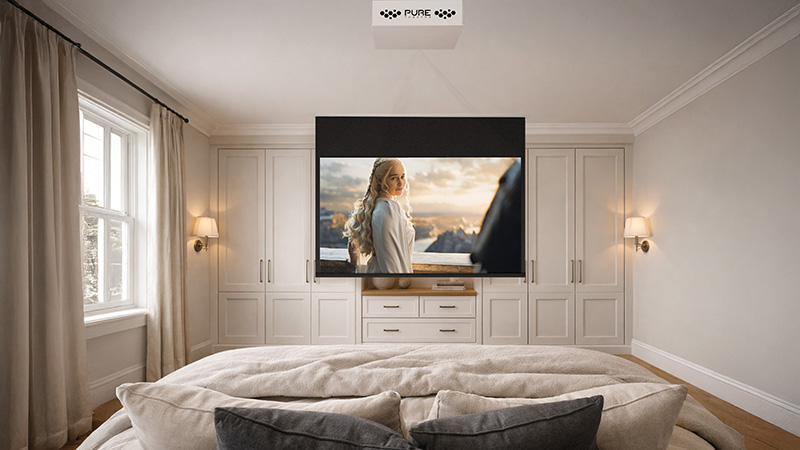
Bedroom. Viewing distances are often shorter, around 2.5–3.5m (8–11ft) from the bed. A 68"–86" screen usually works well. Check the image height, as you'll often be watching from a reclined position.
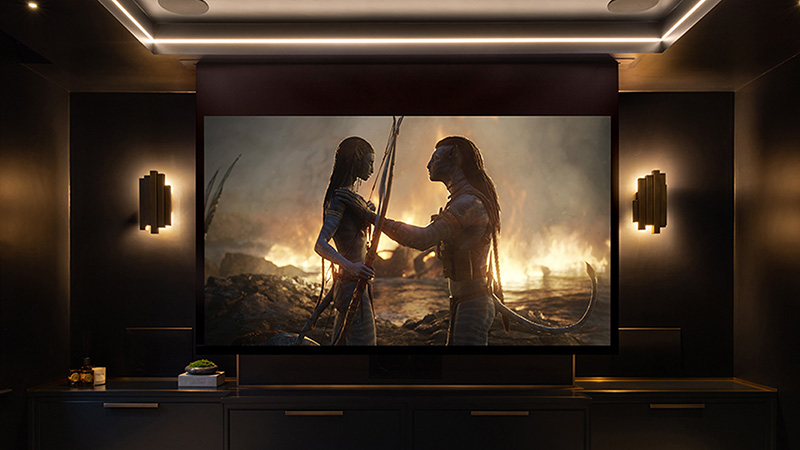
Dedicated cinema or media room. With more control over seating and light, you can go bigger. Rooms with seating at 4.5m (15ft) or more often suit 113"–131" screens. Consider a 2.4:1 anamorphic screen if you mainly watch films.
Still need help with screen size?
If you are currently planning your home cinema and want it to be perfect, our experts can help. No amount of online reading or YouTube videos can beat the expert knowledge of home cinema designers with 20+ years experience. Talk to us today for bespoke advice on the right projector screen size for your room.